Openers · Willowdale
Smart Garage Controller Setup in Willowdale
It is February. You come down in the morning and the garage door has stood open all night; the car is frosted inside, the furnace has run without a pause, and the pipe in the shared wall is your first worry.
Smart Garage Controller Setup
In plain words
For a household here, the most valuable feature is often the simplest: a message that says the door has been open for ten minutes on a January night. A garage attached to the house shares a wall with living space, and sometimes a water line; a door left up drains heat and invites a frozen pipe. Setup in this climate also means small choices that last: the sensor is mounted the way its own instructions specify, its battery is a lithium cell that tolerates an unheated space, and an auto-close schedule is paired with a left-open alert, since a schedule only attempts the close and does not confirm it finished.
How the visit goesYour daughter gets home from school an hour before anyone else. She has lost two house keys this year, and the garage keypad code has been shared with half her class. You would rather open the door from your desk and know the moment she is in.
Willowdale
How the visit goes
Photo eyes, present and working
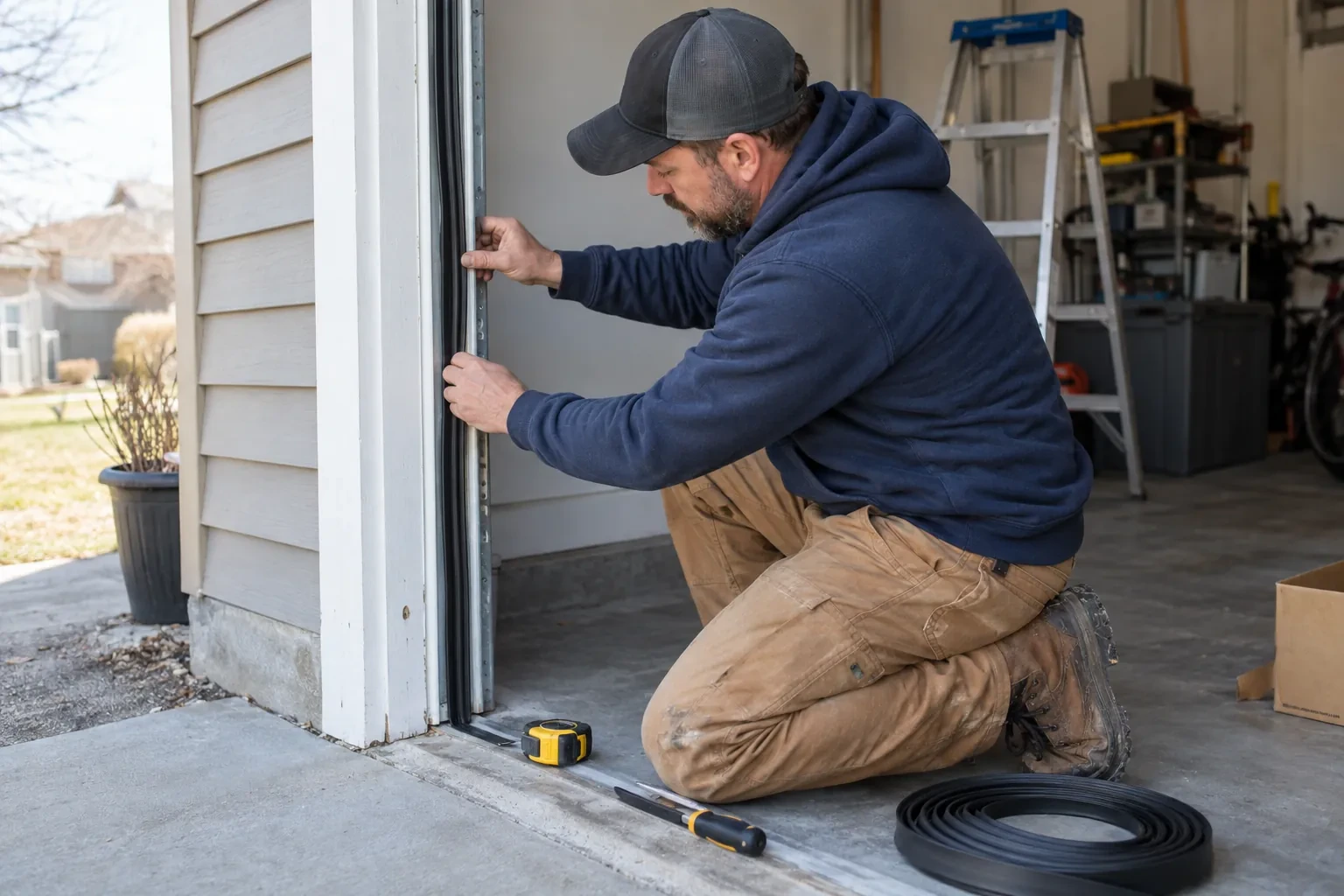
Remote closing is the feature most people want, and it rests on the pair of small sensors near the floor on each side of the door. Before any controller is fitted the technician confirms both eyes are present, mounted no higher than about fifteen centimetres, aligned so their indicators glow steady, and wired without breaks back to the head unit. A controller built to the operator standard will not offer an out-of-sight close without a working sensor circuit, so any missing, misaligned or failed pair is corrected as part of getting ready. This is also where sun glare, cobwebs, frost and a shovel leaning against a bracket are noticed and dealt with.
Joining the home network properly
The hub is joined to the network on the 2.4 GHz band and to the exact network name the household uses every day, not a guest network that might later be switched off. The technician checks that the router's security is a modern type the hub supports and that the signal at the hub's final position is comfortably above the minimum. Where an extender or access point was planned, it goes in first so the hub joins a strong signal from the start. After the join, the hub's firmware update is allowed to finish, and the device is power-cycled once to prove it reconnects on its own without anyone touching it.
Ready for the cold months
An installation done for this climate leaves you set for winter. The sensor is screwed rather than stuck on, its cell is a type built to withstand the cold, and the left-open alert is set so a door left up on a freezing night reaches your phone before the garage has lost its heat. Keep snow and ice cleared from the threshold and the photo-eye lenses, since a blocked beam pauses remote closing until it is cleared, and expect the door to be a shade slower on the coldest mornings. If the app reports the door open when it is plainly shut after a hard frost, the sensor mount is the first thing to check.
Smart Garage Controller Setup
In the van
- Dry-contact adapter for encrypted openers
- Replacement photo-eye pair
- Receptacle splitter with approval mark
- Mounting screws and brackets
- Retrofit smart hub
What affects the quote
Same fees day, night or weekend
1Wireless coverage at the garage
A strong signal at the ceiling is a straightforward join. A weak one, common in detached garages, calls for an access point or extender, which is quoted separately.
2Alerts, schedules and integrations
A left-open alert and a nightly schedule are standard. Linking the door to other smart-home systems or setting up several schedules is additional configuration.
3Cellular backup if the home Wi-Fi goes down
A hub that only works over Wi-Fi stops reporting the moment the internet drops, which matters most during a storm. A cellular backup module keeps alerts and remote closing working through an outage, and whether one is added is decided once the household's connectivity is reviewed.
Smart Garage Controller Setup: questions
Can I see who opened the door and when?
Yes. The app keeps a history of every open and close with the time and, where a user was signed in, the name. Opens from a remote or the wall button are logged as well, though without a name attached. Many people find this the feature they use most: confirming that a teenager arrived, that a delivery went in, or that the door really did close at bedtime.
What kind of Wi-Fi does it need?
A normal home network with a modern security type and a usable signal at the garage ceiling. Most hubs connect on the 2.4 GHz band, which travels farther through walls than 5 GHz, so a router that broadcasts both is fine as long as the 2.4 GHz network is switched on and can be selected. The technician measures the signal where the hub will sit before mounting anything.
What should I have ready before the visit?
A photo of the label on the opener and of the learn button, your Wi-Fi network name and password to hand, the phone you will use with the app charged and updated, and the email address the account should live under. If the house came with an existing controller, any paperwork or the seller's contact details help. Knowing which family members need access saves time at the end.
Openers & Access
Smart Garage Controller Setup near you
A garage door in Willowdale is really three systems working together: the door and its panels, the springs and hardware that carry the weight, and the opener that does the lifting. Our services are organised the same way, so you can find help for the part that is giving trouble.